The last step stays manual
A macro or low-code flow finishes, then someone still copies the result into the next application.
A product built by Midgard Technology

Desktop-native computer use with the precision of RPA, built for the applications that were never given an API.
Windows
native C# driver using UI Automation
macOS
accessibility and AppleScript automation hooks
3
native output formats: .xlsx, .docx and .pptx
4–6
weeks for a focused customer pilot
The automation gap
Most tools automate inside one application. A person still carries the result to the next one — especially when the next system is a legacy desktop application with no useful API.
A macro or low-code flow finishes, then someone still copies the result into the next application.
Legacy and line-of-business desktop applications run core operations but were never designed for integration.
Handling time and rework are spread across teams, so the problem rarely becomes one obvious budget line.
The technical decision
Vision-based agents infer coordinates from screenshots. That makes execution depend on window position, theme and screen state. Lapu AI talks to the operating system directly instead.
Works through UI Automation and application controls from inside the user’s environment.
Uses AppleScript and accessibility interfaces to operate supported desktop applications.
Scripted precision handles execution. Model reasoning is reserved for judgement and planning.
Plain-language intent
The process owner describes the result.
Agent reasoning and workflow
Plans steps, checks permissions and records the run.
Native automation interfaces
Windows UI Automation, accessibility APIs and AppleScript.
The applications already installed
Files, terminal, Office tools and legacy business software.
Native output
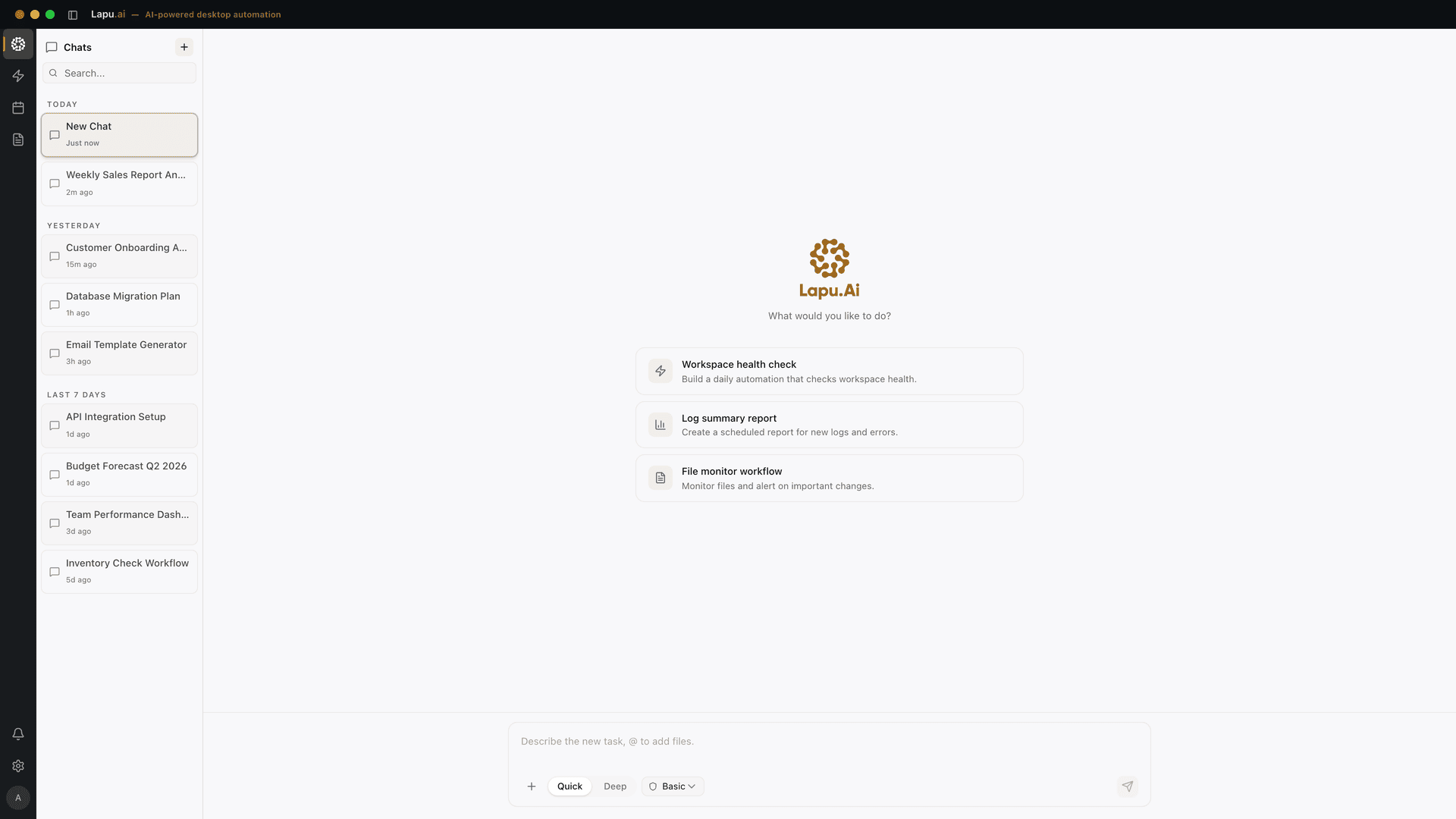
The user asks in plain language. Lapu finds the file on disk, performs the work, and saves a native spreadsheet, document or presentation back to the machine.
Repeatable automation
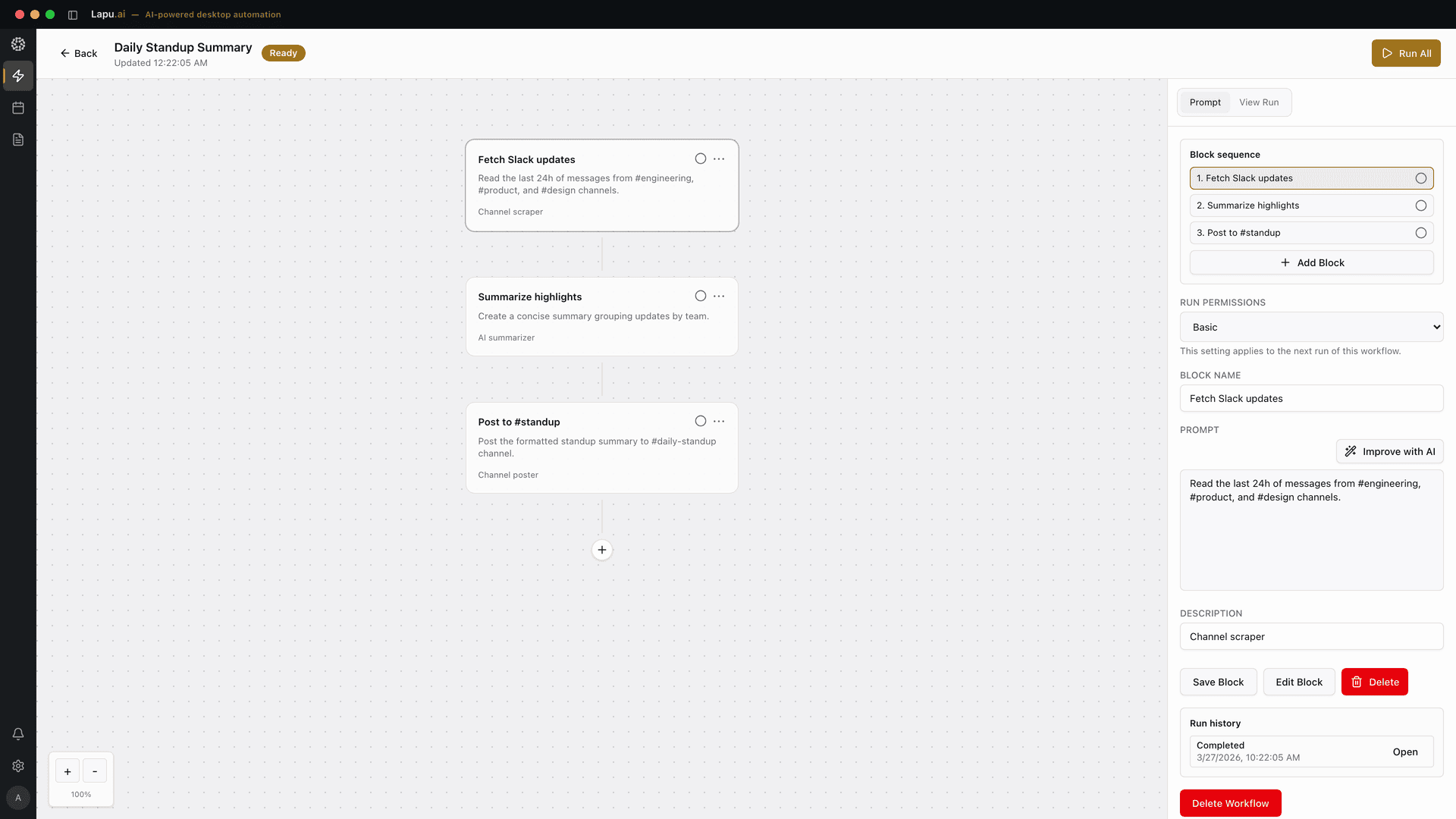
Anything the agent does once can be saved as blocks, assigned a permission mode and run manually or on a schedule. The team that owns the process can build it in chat or assemble it block by block.
Security and control
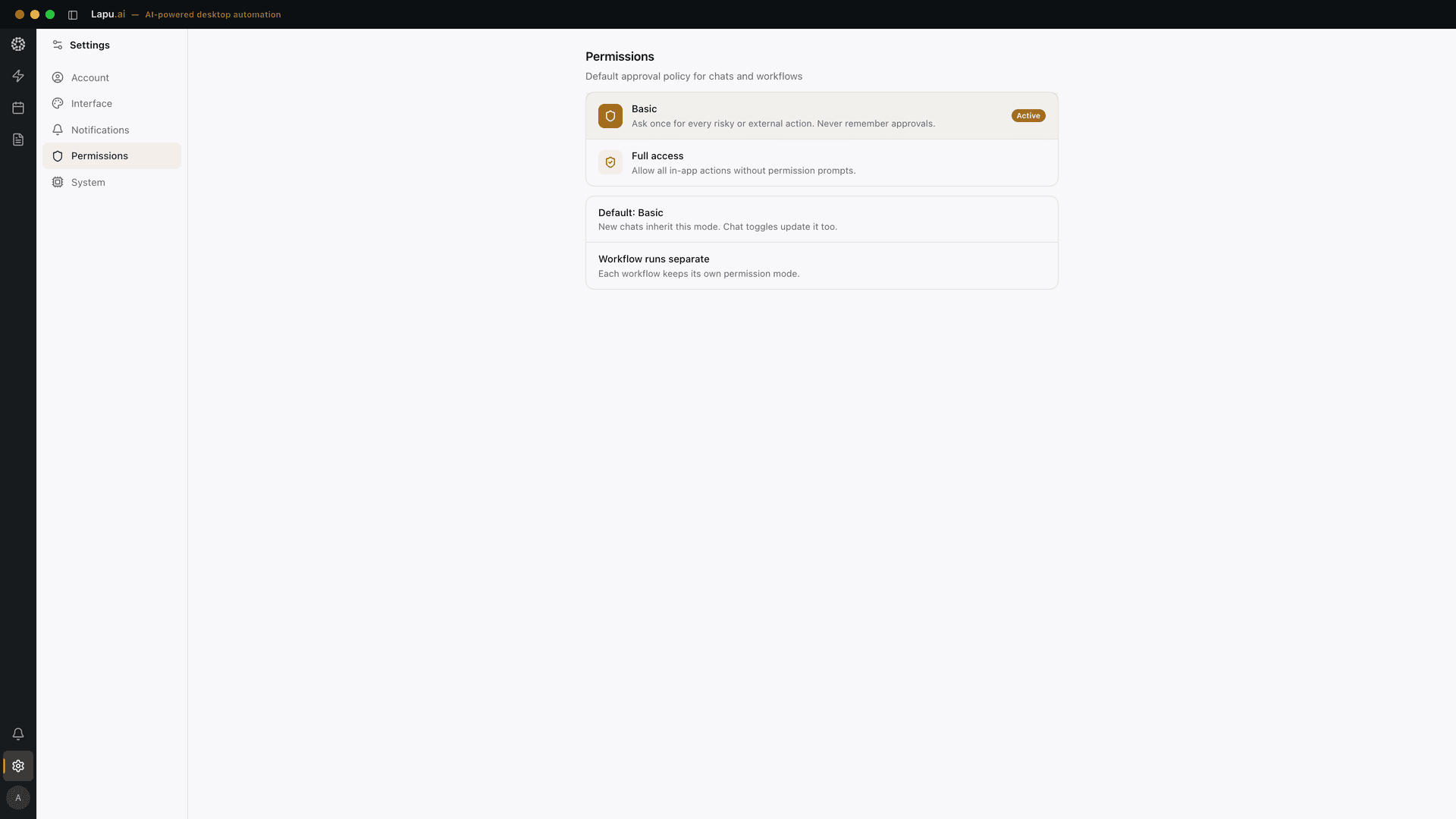
Nothing runs without a defined permission. Every workflow has an explicit operating mode, and every run leaves a record.
The agent runs on the employee’s machine. Files and screen content are not moved to a hosted virtual desktop.
Risky or external actions can require approval, while chats and scheduled workflows are governed separately.
Tool calls, file operations and model requests are recorded with their parameters and outcomes.
Renderer, backend and system-level processes operate within defined boundaries to limit the scope of each action.
Lapu AI design choices
The product combines model planning with native operating-system interfaces. These are Lapu AI’s documented implementation choices, not universal claims about every agent or RPA platform.
Application access
Windows UI Automation, accessibility interfaces and AppleScript connect the agent to supported applications.
Execution
Scripted tools handle repeatable execution while the model is used for planning and judgement.
Environment
The desktop application works with local files, terminal tools and installed software.
Output
Completed work can be saved as real spreadsheets, documents and presentations.
Product and security details are maintained on the official Lapu AI website ↗.
Customer delivery
There is no platform decision up front. Midgard measures the current process, runs a focused pilot and expands only if the numbers hold.
Choose one team and one or two processes. Baseline handling time, volume, rework and hand-offs.
Run four to six weeks on real work and real machines under the customer’s permission policy.
Recheck the same indicators against the baseline. The customer keeps the workflows and run history.
If the numbers hold, hand the pattern to the next team without starting another integration project.
Pilots are fixed-fee. Longer-term pricing combines a platform fee with per-seat and per-automation licensing.
A process owner, installation access for machines in scope and access to the applications that team already uses.
Part of a wider solution
Lapu AI handles the application boundary. Midgard can also redesign the surrounding workflow and connect systems through conventional interfaces where they are available.
Map the complete process, remove unnecessary hand-offs and build reliable automation around measurable outcomes.
Explore process automation Connected systemsUse APIs, data pipelines and monitored integration services for the systems that expose dependable interfaces.
Explore system integrationDirect answers about the product, architecture and customer pilot.
Lapu AI is a desktop AI agent for macOS and Windows. It works with files, terminal tools and installed applications on the user’s own machine, turning plain-language requests into multi-step work.
Vision-based agents infer where to click from screenshots. Lapu AI uses operating-system accessibility and UI-automation interfaces, including a native Windows driver and macOS hooks, so execution is tied to application controls rather than pixel coordinates.
That is one of its primary use cases. When an application exposes controls through Windows UI Automation, accessibility interfaces or supported macOS automation hooks, Lapu AI can operate it without a new core-system integration.
The software is installed on the user’s own macOS or Windows machine. It does not require a hosted virtual desktop, and local workflows remain on the machine where they were created.
A pilot starts with one team and one or two processes. Midgard baselines handling time, volume, rework and hand-offs, runs a four-to-six-week pilot on real machines, then measures the same indicators before deciding whether to expand.
Start with the process, the applications involved and a measurable baseline. Midgard will define the smallest useful pilot.
Discuss a Lapu AI pilot